
Originally Posted On: https://hometipsforyou.com/how-to-spot-the-five-features-that-separate-a-steelcase-leap-chair-v2-from-older-models/
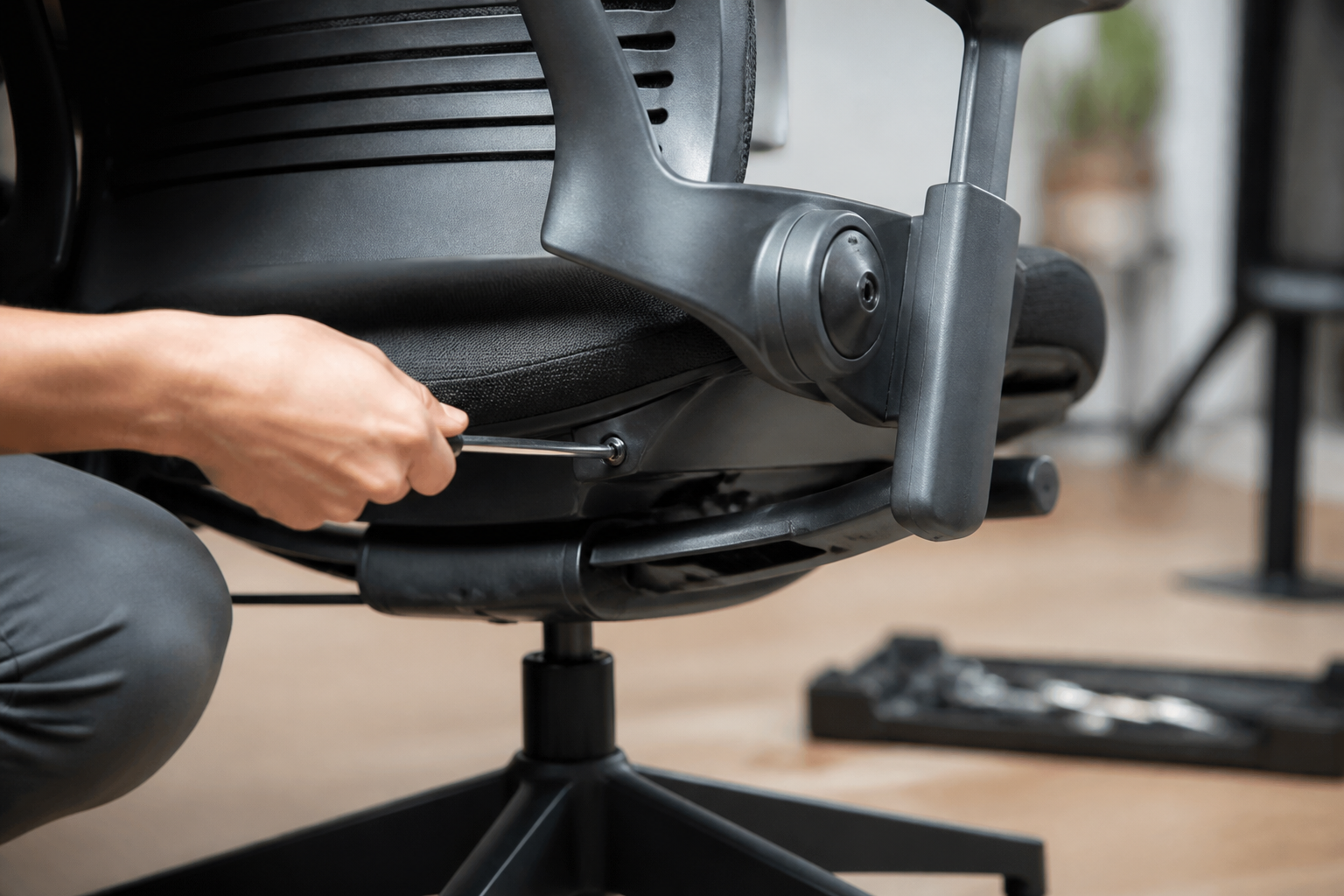
What You’ll Need
Before you start comparing chairs, gather a few basics. None of this is expensive or hard to find — you probably have most of it already.
-
Tape measure — for checking seat depth slide range and arm height adjustments
-
Flashlight or phone light — for reading the model label stamped underneath the seat pan
-
5–10 minutes of sitting time per chair — you need to actually recline and shift weight to feel LiveBack and Natural Glide in action
-
A notepad or phone notes app — jot down control locations and label numbers if you’re comparing multiple listings
-
Basic familiarity with chair anatomy — knowing where the tilt tension knob, seat slider, and arm pivots sit will save time
-
Photos or listing details — if buying online, ask for close-up shots of the underside label and the right-side control cluster
-
Access to the chair in person (ideally) — photos help, but sitting in it is the only way to confirm the recline behavior
Time required: about 15–20 minutes per chair if you’re inspecting in person, or 10 minutes reviewing photos and listing copy if you’re shopping remotely.
Two Leap chairs can sit side by side and look nearly identical — sit in each one for an eight-hour workday and the difference shows up fast. One backrest moves with your spine. The other just tilts. That gap is exactly why so many buyers get burned shopping for a Steelcase Leap Chair V2 online, especially when a listing calls it “like new” without a single close-up photo of the mechanism.
Here’s the honest problem: Steelcase never made it obvious which generation a used or refurbished chair belongs to. There’s no giant “V2” sticker on the back. You’ve got to know where to look — the recline mechanism, the seat pan, the arm hardware, a small label under the base. Miss one of these, and you might pay V2 money for a V1 chair, or worse, for a Frankenstein build with mismatched parts from both generations.
This matters because the V2 brought real engineering changes, not just cosmetic tweaks. LiveBack technology, the Natural Glide system, split upper and lower back tension controls — these aren’t marketing terms; they’re mechanical differences you can feel and, if you know what to check, see with your own eyes in under five minutes.
Grab a flashlight and a tape measure.
What You’ll Learn and What to Have on Hand Before You Start
A guy buys two office chairs off the same listing, both labeled “Steelcase Leap,” and one feels noticeably different under his lower back within the first hour. That’s the moment most buyers realize they don’t actually know how to tell a Steelcase Leap chair V2 apart from the earlier version.
Why Telling V1 and V2 Apart Actually Matters
Here’s the thing — sellers mix up model years constantly, sometimes on purpose, sometimes because they genuinely don’t know. Get it wrong, and you might end up with a chair missing the lumbar and arm upgrades you’re actually paying for. That’s a real problem if you’re comparing this seat against something like Herman Miller conference chairs for a shared workspace.
Tools You’ll Need: Tape Measure, Flashlight, and the Chair’s Underside Label
Grab three things before you inspect: a tape measure, a flashlight, and patience. You’ll flip the chair over, check the frame label, and measure specific components. Nothing fancy required.
Step 1: Check the Recline Mechanism for LiveBack Technology
The backrest tells you everything. LiveBack is the single biggest tell that you’re sitting in a genuine Steelcase Leap Chair V2 and not an earlier build. The frame behind the mesh or fabric flexes and reshapes itself as you move, instead of tilting as one rigid slab.
How LiveBack Feels Different Under Load Compared to Older Leap Models
Older Leap models used a simpler pivot — the whole back moved as one piece, with support staying fixed no matter your position. LiveBack changes that. It mimics the spine’s natural curve, adjusting firmness as you shift from upright typing to a deep recline. Sit in a Humanscale Freedom task chair right after testing a Leap, and the contrast is obvious — Humanscale relies on weight-sensing recline, while Leap’s back actually reshapes itself.
Quick Test: Lean Back and Watch the Backrest Shape Change
Here’s the test: recline slowly and watch the lower backrest. If it curves outward near the lumbar area while the upper back stays supportive, that’s LiveBack working. No shape change usually means an older frame. Some buyers cross-shop before they buy Herman Miller chair models — but nothing else replicates this exact flex pattern.
Step 2: Inspect the Seat for the Natural Glide System
Does the seat pan slide forward when you lean back? If it does, you’re not looking at a real Steelcase Leap Chair V2. Put your hand on the front edge of the seat and recline slowly. On a genuine V2, that edge barely moves — the seat stays put while the backrest does the work.
Why the Seat Pan Should Stay Put While the Back Reclines
This is the Natural Glide System, and it’s one of the clearest markers separating current Steelcase chairs from earlier builds. Instead of pushing the seat forward during recline, the mechanism keeps your eyes locked at the same distance from the screen. That matters more than people expect — losing screen distance mid-recline is a small annoyance that adds up over an 8-hour day.
Common V1 Complaint This Feature Fixes
Owners comparing Steelcase Leap V1 vs. V2 online consistently point to this as the biggest gripe with older units — the seat crept forward, and users slid out of position. If you’re weighing a Leap V2 against something like the Herman Miller Mirra ergonomic office chair, this fixed-seat behavior is a detail worth testing in person before buying.
Step 3: Look for the Separate Upper and Lower Back Force Controls
Here’s a number that surprises most buyers: two dials, not one, control recline resistance on the newer chair. That single detail is often the fastest way to confirm you’re looking at a genuine Steelcase Leap Chair V2 instead of an older unit dressed up in fresh fabric.
Locating the Dual Adjustment Knobs on the Right Side of the Seat
Check under the right armrest. You’ll find two stacked knobs — one governs upper back force, the other lower back force. Turn each one. If both move independently and change resistance at different points in the recline, that’s your confirmation. Any steel case chair carrying this dual setup belongs to the V2 generation or later, including the Leap Plus variant.
Why V1 Only Had One Combined Tension Setting
V1 used a single tension knob for the whole backrest. Simple, sure — but it forced a compromise between upper and lower support. Sitters with longer torsos often felt unsupported up top even when the lower back felt right. That’s exactly the gap Steelcase closed with V2’s split system.
Step 4: Confirm the Arm Design Has 4-Way Adjustability
Most buyers assume any pair of black plastic arms on a Steelcase Leap Chair V2 is original. That’s just not true. Plenty of listings pair the frame with generic replacement arms that only move up and down, not the full range Steelcase built into this chair.
Height, Width, Depth, and Pivot: Testing Each Motion
Grab each armrest and run it through all four motions. Height should move with a paddle lever, width should slide inward and outward with a firm click, depth adjusts front-to-back several inches, and pivot rotates the pad slightly outward for typing posture. If even one motion feels stiff, grinding, or missing entirely, you’re likely looking at a downgraded part, not the original 4-way design.
Signs the Arms Have Been Swapped or Are Non-Original
Watch for mismatched plastic sheen, uneven bolt patterns, or arm caps that don’t match the frame’s gray or black finish. Original arms have a Steelcase logo stamp on the underside mounting bracket. For buyers weighing other premium task seating during this comparison, it’s worth checking specs on something like the Herman Miller Celle task chair too.
Step 5: Verify the Seat Depth Slider and Edge Contour
Picture someone testing a chair in a showroom, sliding the seat pan forward and hearing that faint grinding sound older units get after years of use. That’s the tell. A properly functioning Steelcase Leap chair V2 should glide smoothly under the front lip without hesitation, and if you’re comparing several used units from a dealer specializing in Steelcase office chairs, this test takes thirty seconds and saves you from a bad purchase.
Measuring the 3-Inch Slide Range
Grab a tape measure. Pull the slider lever, extend the seat pan fully forward, then push it back. You want a full 3-inch range with no binding partway through. Anything less usually means the internal rail has worn or the mechanism was replaced with a lower-grade part during a prior refurbishment.
Checking the Waterfall Front Edge for Wear Patterns
Run your hand along the front lip of the seat. The waterfall edge should feel firm and evenly curved — not flattened, cracked, or soft in one spot. Uneven wear there usually means the foam underneath has broken down, which flattens circulation support at the back of the thighs.
Step 6: Cross-Check the Base Plate and Model Label for Authenticity
Flip the chair. That’s the fastest way to confirm what you’re actually buying. Every genuine Steelcase Leap Chair V2 carries a label under the seat pan near the base plate, and that sticker won’t lie to you even if the seller does.
Where Steelcase Stamps the Model Number and Manufacture Date
Look for a rectangular tag stamped with a model number starting in the 46 or 48 series, plus a manufacture date code. If you’re comparing a Steelcase Leap V1 vs. V2 listing, the label format differs slightly — V1 tags reference older part numbers, while V2 tags include the updated seat and LiveBack revisions. No label, no confirmation. Walk away or ask for photos before paying.
What to Do If the Chair Is Sold as Steelcase Leap V2 Refurbished
Buying Steelcase Leap V2 refurbished stock? Ask the seller for their inspection process and warranty terms in writing — reputable refurbishers will provide both without hesitation. If the arms, cylinder, or cover look mismatched from the frame, that’s a red flag worth walking away from. For buyers open to a different platform entirely, the Humanscale Freedom chair is worth comparing on lumbar mechanics before you commit.
Step 7: Compare Pricing Signals Between New, Used, and Refurbished Listings
Why does one Steelcase Leap Chair V2 listing cost half of another? That gap tells you more about a seller’s sourcing than any spec sheet does. New units carry full manufacturer pricing, secondhand marketplace listings swing wildly based on condition, and certified sellers land somewhere in between because they’ve replaced worn parts and tested the mechanisms.
What a Big Price Gap Usually Means
A rock-bottom price usually signals a worn seat pan, a dead recline mechanism, or a mismatched frame from an older Leap generation. Sellers rarely disclose this upfront. If you’re also weighing a Herman Miller work chair against the Leap, the same logic applies — condition drives price far more than brand name alone.
Questions to Ask Before Buying a Steelcase Leap V2 Used or Refurbished Unit
-
Has the LiveBack mechanism been tested under load, not just visually inspected?
-
Are replacement parts OEM or aftermarket?
-
Does the seat cover show cracking, pilling, or mismatched stitching?
-
What’s the warranty length, and does it cover the tilt mechanism specifically?
-
Was the unit sourced from corporate liquidation or an unknown reseller?
Ask these before you commit. Skipping them is how buyers end up with a chair that looks right but sits wrong.
Common Mistakes to Avoid When Identifying a Leap V2
About 4 out of 10 buyers shopping the used market misidentify their chair’s generation, according to reseller return data. That mix-up costs money and time when parts or covers don’t fit. Spotting a genuine Steelcase Leap Chair V2 takes more than a quick glance at the frame.
Confusing a Steelcase Leap Plus With a Standard V2
The Leap Plus shares a similar shell but uses a taller back and an extended seat pan for bigger frames. Buyers searching for parts often grab a standard V2 headrest or cover, only to find it doesn’t seat correctly. Check the model tag under the seat before buying accessories — it saves a return.
Assuming All Black Frames Are the Same Generation
Frame color tells you almost nothing. Steelcase kept black as the dominant finish across the V1, V2, and even early V3 runs, so color alone won’t confirm age. Instead, look at the lumbar adjustment dial placement and the arm pad shape — both changed noticeably between generations. If you’re weighing premium seating options overall, it helps to compare build quality against something like a Herman Miller classic chair before settling on a specific model.
How to Confirm You Made the Right Call and What Comes Next
Here’s a myth worth busting: the moment you sit down isn’t when you know you got the right chair. Comfort on day one means almost nothing — real confirmation comes after two weeks of daily use, when your lower back stops complaining by 3 p.m. Check that the recline holds tension without drifting, that the seat depth slider still locks firmly, and that the four-way arms haven’t loosened. Those are the mechanical tells of a properly functioning Steelcase Leap Chair V2.
If something feels off — squeaky tilt, inconsistent lumbar firmness, arms that won’t stay put — don’t wait it out. Address it during your return window.
What comes next depends on your body and workload. Petite or larger frames sometimes find better proportional fit elsewhere; if that’s you, a Humanscale task chair is worth comparing before committing long-term. For most desk workers logging 8+ hours daily, though, sticking with a properly adjusted Leap remains the smarter, less disruptive path forward.
How-To FAQ
How long does it take to tell a V1 from a V2 in person?
Two minutes, tops, if you know where to look. Check the backrest flex under load and glance at the arm mechanism — those two checks alone settle it 9 times out of 10.
Can I tell the difference just from photos in an online listing?
Yes, usually. Look for the split upper/lower back force knobs on the right side of the seat and the model label on the base plate; a seller offering a Steelcase Leap V2 refurbished unit should be able to show both in extra photos.
What if the chair has a headrest attached — does that mean it’s a V2?
Not necessarily. A Steelcase Leap V1 headrest and a V2 headrest can both be aftermarket add-ons, so the headrest itself tells you nothing about the generation. Check the recline mechanism and arm adjustability instead.
Is it hard to spot a swapped or non-original seat cover?
Not once you know the stitch pattern and edge contour of the original. A replacement Steelcase Leap V2 seat cover from a third party often sits looser at the waterfall front edge — run your hand along it, and you’ll feel the gap.
What’s the biggest safety concern when buying used or refurbished?
A worn gas cylinder or cracked base plate.
Sit down hard and listen for hissing or sudden drops; ask any refurbished Herman Miller Aeron or Steelcase seller for documentation on cylinder replacement before you buy.
Does the price gap between listings actually tell me anything useful?
Yes — a big gap usually points to condition or authenticity issues, not just negotiation room. If a Steelcase Leap V2 price looks too low compared to certified refurbished listings, ask why before assuming it’s a deal.
Five checks. That’s all it takes to know what’s actually under you. The LiveBack flex test tells you more in ten seconds than any spec sheet, and the dual force knobs settle any question about whether you’re sitting in a single-tension holdover or the real Steelcase Leap chair V2. Pay attention to the seat pan during recline, too — if it slides forward instead of holding position, the Natural Glide System simply isn’t there, and that’s not a minor detail for anyone logging eight-hour days at a desk.
None of this requires a Steelcase rep or a service manual. A flashlight, a tape measure, and five minutes underneath the seat will settle the debate. What matters now is putting these checks to use before money changes hands, not after.
Before buying, insist on close-up photos of the base plate, the arm mounts, and the force control knobs. If a seller can’t or won’t provide them, walk away. A chair that’s genuinely what it claims to be will hold up to that kind of scrutiny every time.


